
Starpeer UC · Caller ID reputation
When your calls show up as Spam Likely.
Mobile carriers score every business number by how it calls. If the score drops, your calls arrive with a warning or go straight to voicemail, even though nothing is wrong with your phone system. This guide shows how to check your numbers, clear a label for free, and keep it from coming back.
How labels work
Each carrier uses its own scoring company.
There is no single spam list. Each mobile carrier pays an analytics company to watch calls on its network and score the numbers behind them. A number can look fine on one carrier and be labeled on another.
| Phone or carrier | Who scores the call | What the person sees |
|---|---|---|
| AT&T | Hiya | "Spam Risk" or "Suspected Spam", or the call is blocked |
| Verizon | TNS | "Potential Spam", or the call goes to voicemail |
| T-Mobile and Metro | First Orion | "Scam Likely", or the call is blocked |
| Samsung Galaxy phones | Hiya | A red spam warning on any carrier |
| Google Pixel phones | "Suspected spam caller" | |
| iPhone | The person's carrier | The carrier's label; unknown callers may be asked who they are |
What raises a flag
Many calls in a short time, lots of very short calls, people hanging up fast or blocking the number, complaints, and a sudden jump in volume. A number can also inherit a bad score from a previous owner.
What does not fix it
Switching to a new number usually brings the same problem back within weeks, because the score follows the calling pattern. Paid "spam removal" services file the same free forms listed below.
Step 1
Check what people actually see.
Signs of a problem: fewer people answer, callers say "I almost didn't pick up", or customers mention a warning on their screen.
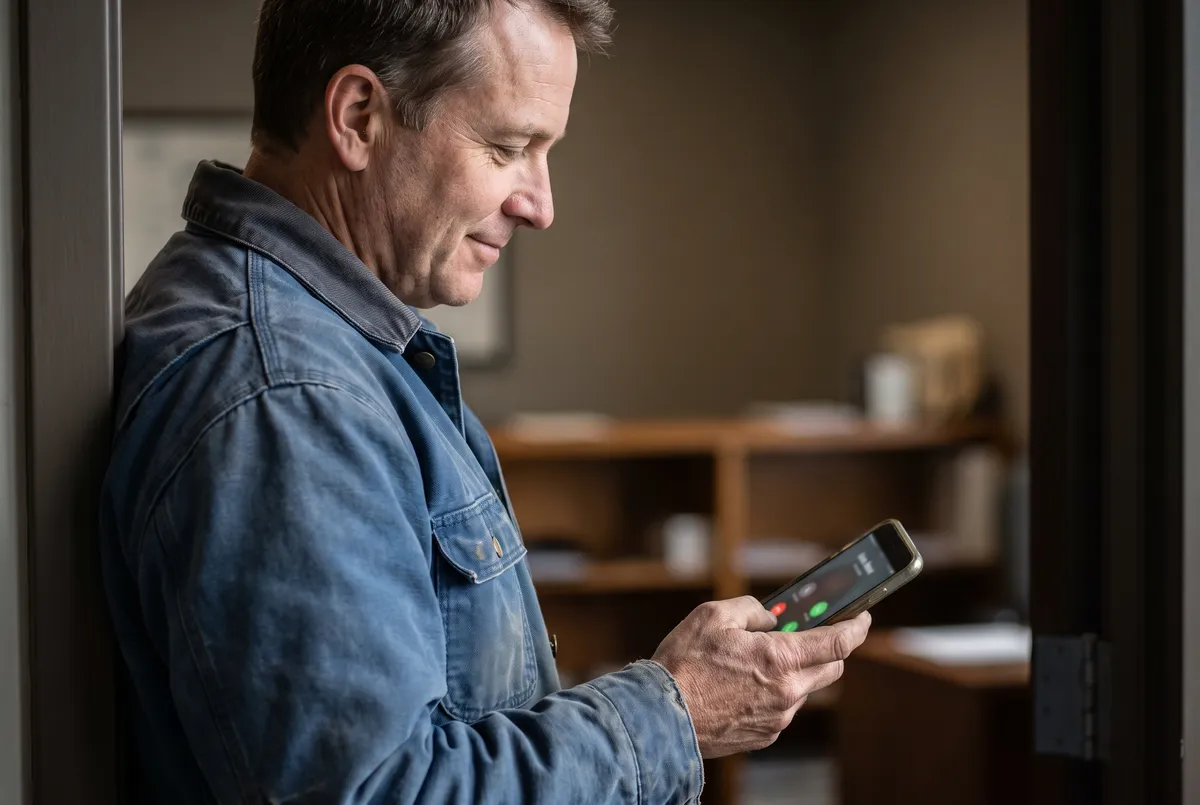
The only free check that covers every carrier is a test call. Call from each number you use for outbound calls, and write down exactly what each phone shows.
- An AT&T mobile phone
- A Verizon mobile phone
- A T-Mobile mobile phone
- A Samsung Galaxy and a Google Pixel, if anyone on staff has one
- Make sure the number is not saved in that phone's contacts; a saved contact hides any label
- Note the date, time, and exact words on screen; the dispute forms ask for them
Step 2
Clear a label for free.
Every form below is free. Use your business email, the same business name and address on every form, and list only numbers your organization owns.

1. Register at the Free Caller Registry
freecallerregistry.com is run jointly by Hiya, TNS, and First Orion, so one registration reaches the scoring companies for AT&T, Verizon, and T-Mobile. Do this first for every number that makes outbound calls, even the ones that look fine today.
Have ready: your business name, address, and website; a contact name, phone, and email; what your calls are for; roughly how many outbound calls a month; and the list of numbers (up to 20 on the form, or upload a list).
Registering tells the scoring companies who you are. It does not guarantee a label comes off, and it does not remove a label that is already there. If a number is still labeled after a few days, file the disputes below.
2. File a dispute for each carrier that still shows a label
| Carrier | Where to file |
|---|---|
| AT&T and Samsung (Hiya) | att.com/reviewmycalllabel, which opens Hiya's review form. Hiya also offers free number registration at hiya.com. |
| Verizon (TNS) | voicespamfeedback.com. Up to 50 numbers; asks for the date, time, and label of a test call. |
| T-Mobile (First Orion) | T-Mobile's scam call reporting form, linked from T-Mobile's Scam ID support page. |
| Google Pixel | Ask the person you called to tap the call in their recent calls and choose "Not spam". Keep your Google Business Profile name and phone number current. |
3. Wait, then test again
Registration takes a few days to reach every scoring system. Disputes can take one to several weeks, and no carrier promises a time. Repeat the test calls from Step 1 once a week, and file again if a label is still there after a few weeks.
4. Call VanBelkum if it does not clear
A tech can check how your Starpeer calls are signed and whether the label is tied to your number or to how the calls leave the network. Have your test-call notes ready.
Step 3
Keep your numbers clean.
Labels come back if the calling pattern does not change. These habits are what the scoring companies say they look for.
VanBelkum's support team can help. We can review your calling habits against these habits, get you new numbers when you need more outbound lines, and set the caller name (CNAM) your Starpeer UC numbers send. Call (616) 301-7676.
Say who you are
Open every call and every voicemail with your business name. A voicemail greeting on your main line that names the business helps people who call back.
Watch your answer rate
A sudden drop in how many people pick up is the earliest warning. Run the test calls whenever it drops.
Plan big calling days
Before a collections push, a recall list, or a sales campaign, register the numbers you will use and spread the calls across them.
Terms you may hear
Signed calls and caller names.
STIR/SHAKEN (call signing)
US carriers digitally sign each call to show it really comes from the number on the screen. An "A" signature means the carrier knows the customer and has confirmed the customer may use that number. Signing stops fake numbers. It does not stop a spam label, because a properly signed call can still be scored as spam if its calling pattern looks like spam.
Caller name (CNAM)
Your business name on the caller ID comes from a caller name database, limited to 15 characters. Most landlines and office phones show it. Most mobile phones do not look it up, so cell phone users usually see only the number and city. A name saved in the person's contacts always wins. VanBelkum support sets the caller name on your Starpeer UC numbers; call us to check or change it.
Branded calling
A paid service that shows your verified business name, logo, and the reason for the call on mobile phones. See Branded Calling ID below.
Optional, paid
Branded Calling ID: your name and logo on their screen.
Branded Calling ID is the mobile carriers' own branded calling program, run by CTIA, the wireless industry association. Instead of a bare number, the person you call sees your business name, your logo, and why you are calling.
- You choose what shows. The numbers, the display name (up to 35 characters), your logo, and a short call reason such as "Appointment reminder".
- It is vetted. An Authorized Partner checks that your business is real and that you own the numbers and the logo.
- Each call carries it. The details ride inside the signed (STIR/SHAKEN) call, so they cannot be faked by a spoofer.
- You pay per delivered call. You are charged only when the receiving carrier confirms your brand was shown.
In 2026 it shows on T-Mobile and Verizon mobile phones; other carriers and older phones still show the number. It works best for businesses that make many outbound calls people need to answer, such as appointment reminders, deliveries, collections, or service dispatch. Branding does not replace a good reputation: a branded number can still be labeled spam if it calls like spam.
Want to know whether it fits your calling? Ask VanBelkum support at (616) 301-7676. More at brandedcallingid.com.
Calls still showing as spam?
Bring your test-call notes, and a tech will help you work through the carrier disputes.