


Showing: Unified Communications · Phones, Mobile App, eFax
Help for everything we support.
Step-by-step guides for the phones, cameras, networks, and hardware VanBelkum installs and keeps running. Real screens, exact taps, in the order you will use them.
Browse by product
Every guide lives under the platform it belongs to. Pick the product and the guides are listed on the next page.
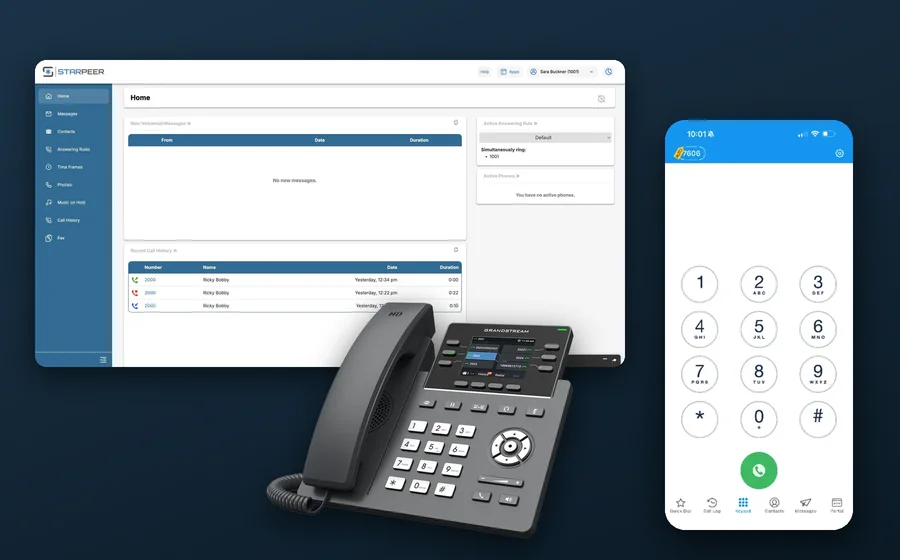
Starpeer UC
UC Portal, phones, mobile apps, eFax, and other devices.
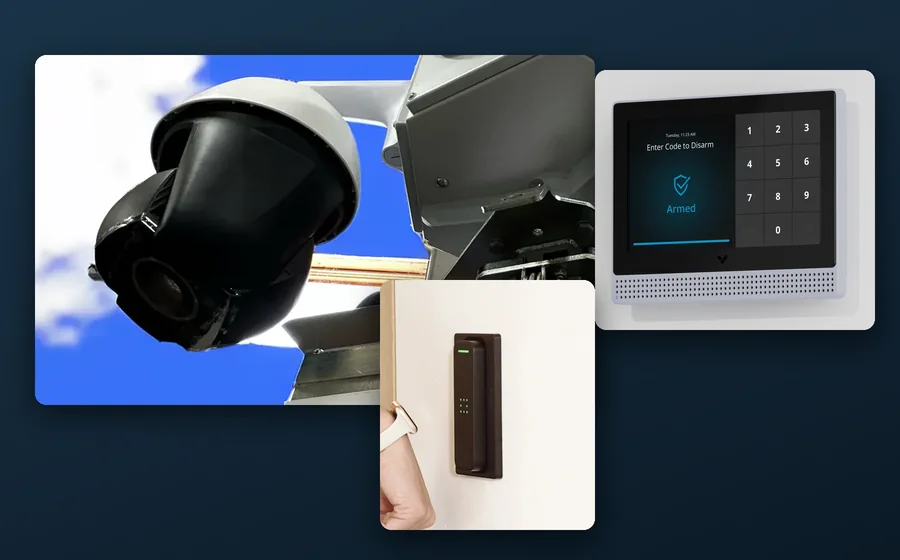
Verkada
Verkada Command: cameras, alarms, door access, intercom, guest sign-in, sound systems, and more.
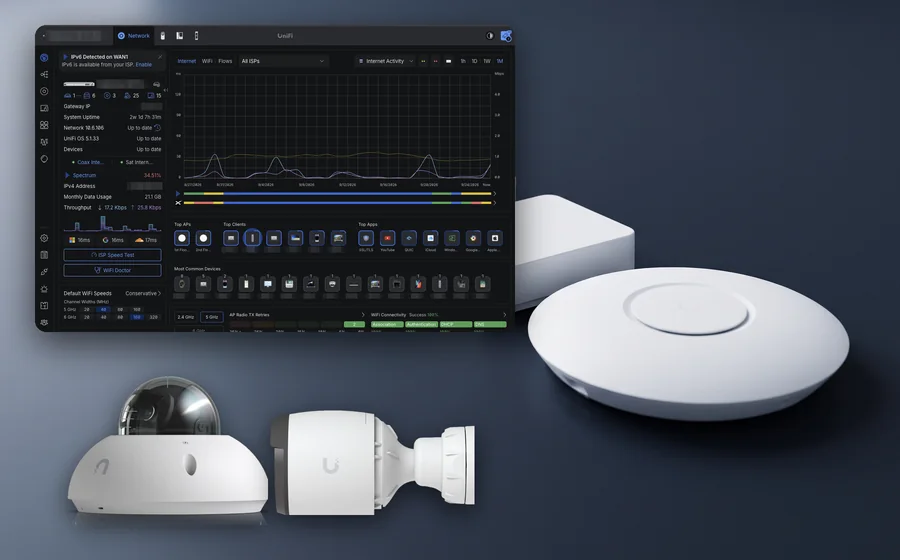
Ubiquiti
UniFi network, Wi-Fi, and the UniFi Console. Protect cameras, Door Access, Connect, and Talk.
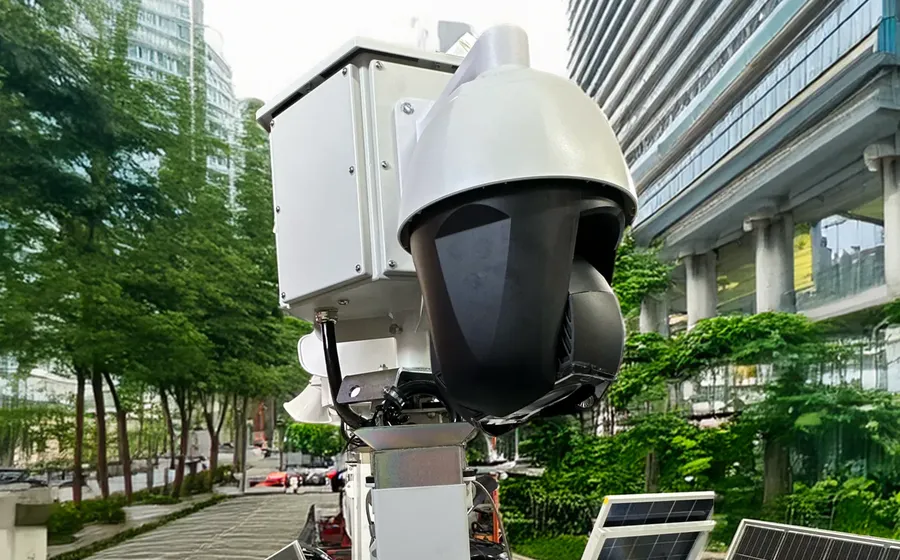
VanBelkum
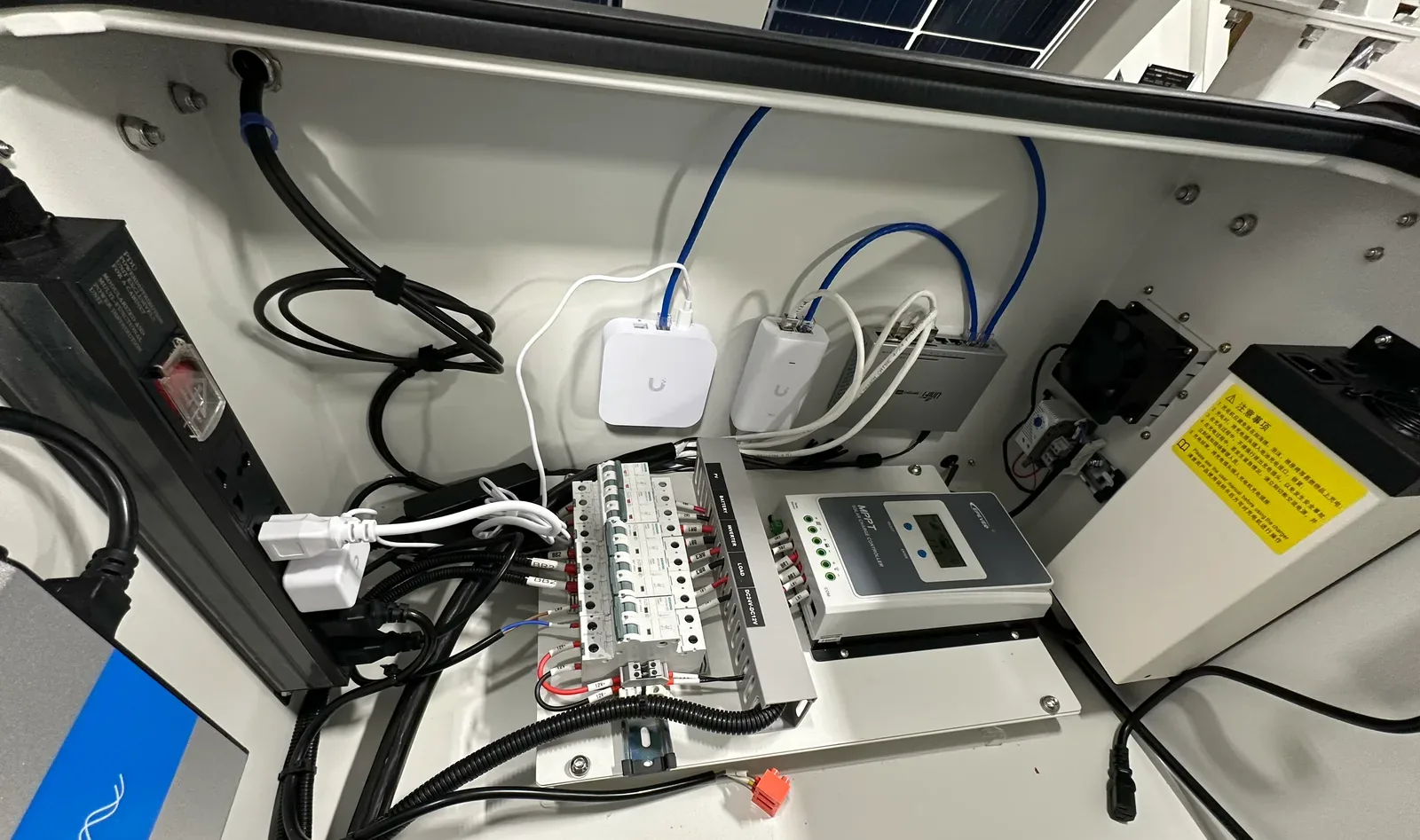
Mobile Security Trailers with standard and custom configurations.
Browse by category
Not sure which product you have? Start with the kind of system. How it works covers the basics and terms that apply to any brand. Guides walk you through the steps.
Audio Visual
Sound systems, sound masking, paging, and digital signage.
All guides
Every guide on the site in one list. Search above if you know what you are looking for.
Which Starpeer app should I use?
ConnectWare, ConnectMobile, and the web phone, side by side, with install links and the guides.
ConnectWare on your iPhone
Calling, Do Not Disturb, call logs and voicemail, contacts, Quick Dial, and messaging.
Fax from the phone portal
Inbox, forwarding, Sent, settings, and Compose Fax, plus the admin switch to Fax Settings.
The WebPhone in your browser
Open it from the portal, set up your headset the first time, and fix "No microphone".
Program your phone buttons
Coworker (BLF) buttons, speed dials, clearing buttons, sidecars, and saving to the phone.
Your Yealink desk phone
Calls, hold, transfer, conference, park, voicemail codes, reading the lights, and rebooting.
Your Grandstream desk phone
Calls, hold, transfer, conference, park, the sidecar, voicemail codes, and rebooting.
Your Yealink cordless phone
Calls, transfer, park, conference, voicemail, Do Not Disturb, charging and range.
Factory reset a DECT base
Two ways: from the base station itself, or from any registered handset.
Greetings and holiday hours
Put holidays on a schedule, give each its own greeting, handle a closed-today, and change your voicemail greeting.
Stop "Spam Likely" on your calls
Check what people see when you call, clear a spam label for free, and keep your numbers clean.
Register your business for texting
What carriers require (A2P 10DLC), the answers they reject, a printable worksheet, and the registration form.
DHCP reservations
Which MAC to reserve, which devices need one, and why the DHCP server holds it, not the port or VLAN.
Security Trailer user guide
Set up on site, raise the mast, power and generator, cameras and Command, pack up, maintenance, specs and warranty.
Your logins
Every portal for the products VanBelkum supports. Same logins you already use.
 Verkada Commandcommand.verkada.com
 Ubiquiti UI Portalaccount.ui.com
Salient CompleteViewwebclient.salientsys.com
DW Spectrumdwspectrum.digital-watchdog.com
 Starpeer UCspvoice.starpeer.com
RingCentrallogin.ringcentral.com
Dialpaddialpad.com
 FortiCloudforticloud.com
Starlinkstarlink.com
 Brivo Accessaccount.brivo.com
Eagle Eye Networksauth.eagleeyenetworks.com
Talk to a VanBelkum tech.
When a guide does not cover it, call. A tech who knows your system picks up and walks you through it. Prefer to write? Send a note.
(616) 301-7676