
VanBelkum Help›Starpeer
Starpeer guides
The phone system, the ConnectWare mobile app, fax, and the desk-phone hardware that goes with it.
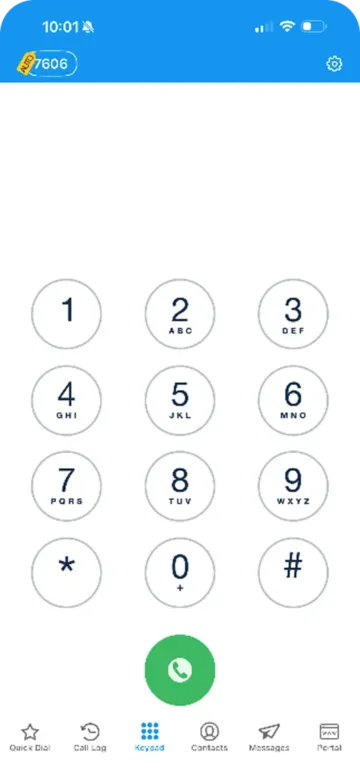
ConnectWare on your iPhone
Calling, Do Not Disturb, call logs and voicemail, contacts, Quick Dial, and messaging.
ConnectMobile on your phone
Sign in, contacts, answering and transferring calls, switching to your desk phone, voicemail, and call history.
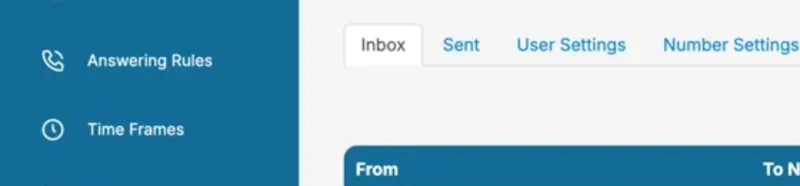
Fax from the phone portal
Inbox, forwarding, Sent, settings, and Compose Fax, plus the admin switch to Fax Settings.
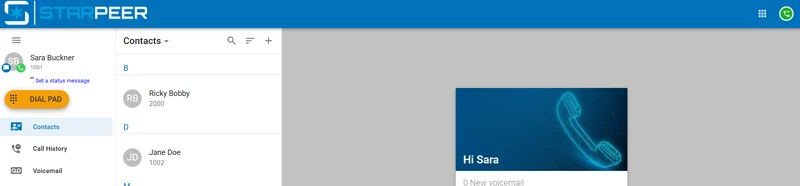
The WebPhone in your browser
Open it from the portal, set up your headset the first time, and fix "No microphone".
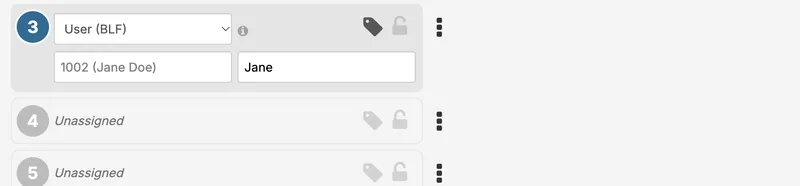
Program your phone buttons
Coworker (BLF) buttons, speed dials, clearing buttons, sidecars, and saving to the phone.
Register your business for texting
What carriers require (A2P 10DLC), the answers they reject, a printable worksheet, and the registration form.
Greetings and holiday hours
Put holidays on a schedule, give each its own greeting, handle a closed-today, and change your voicemail greeting.
Stop "Spam Likely" on your calls
Check what people see when you call, clear a spam label for free, and keep your numbers clean.
Star codes
Forwarding, Do Not Disturb, call pickup, intercom, recording, and call queues, by dialing a short code.
Call history and call quality
Find any call, read its quality scores, and send us what we need to trace a call that sounded bad.
Chrome extension
Click any phone number on a web page to call it, and open the caller's record in your CRM when a call comes in.
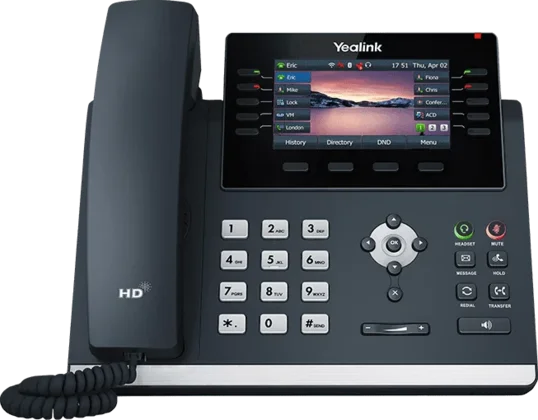
Your Yealink desk phone
Calls, hold, transfer, conference, park, voicemail codes, reading the lights, and rebooting.
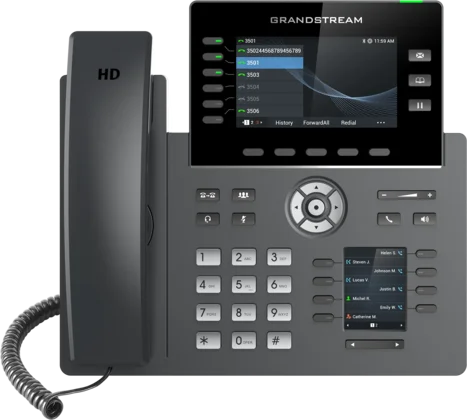
Your Grandstream desk phone
Calls, hold, transfer, conference, park, the sidecar, voicemail codes, and rebooting.
Your Yealink cordless phone
Calls, transfer, park, conference, voicemail, Do Not Disturb, charging and range.
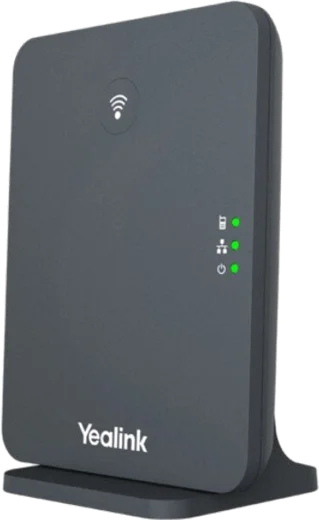
Factory reset a DECT base
Two ways: from the base station itself, or from any registered handset.
Sign in to Starpeer
The phone portal: fax, voicemail, and your user settings.

Talk to a VanBelkum tech.
When a guide does not cover it, call. A tech who knows your system picks up and walks you through it. Prefer to write? Send a note.
(616) 301-7676